Skip to content

Free beta

Video calls with your grandchild — with something to do together

Look what I’m drawing!

Free during the beta

When is your next call?

Day
Child’s age (optional)

We’ll send an email with the event and the plan for the call. No newsletters.

The child needs no account · nothing to install

Draw, play and read together during a video call.

  • 14 games and activities — from Orchard for two-year-olds to chess
  • Your child joins with one permanent link — no account, nothing to install
  • Calls are not recorded, and there are no ads
  • You run the call: only you start games, drawing and screen sharing

Things to do together

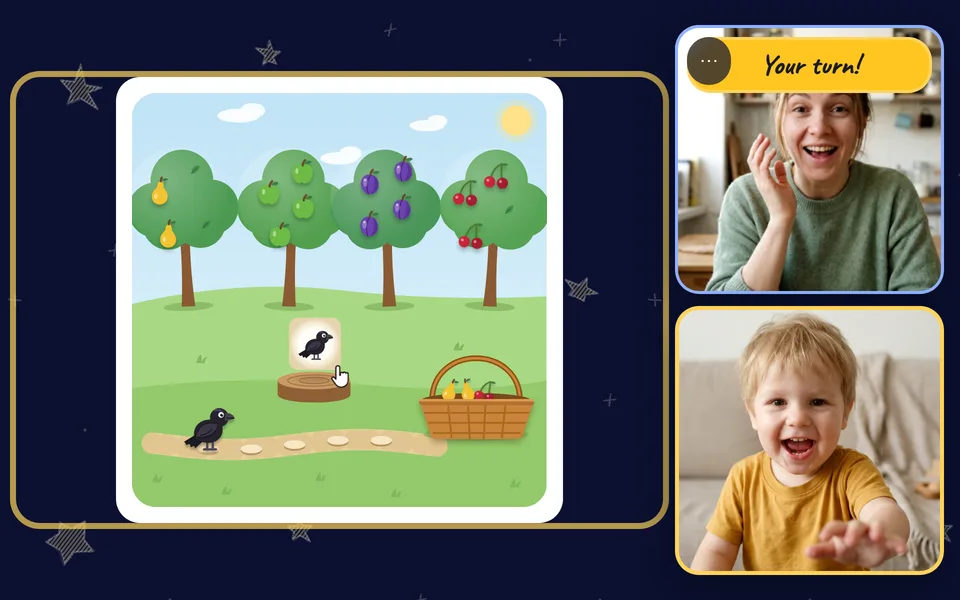
Orchard: fruit trees, the raven on the path and the basket, next to the mum’s and the toddler’s video

Play on the same team

The two of you against the game: pick the fruit before the raven gets there, find every pair, finish the jigsaw, lay the track or lead the hero through the maze. Orchard works from age 2.
  • Orchard
  • Memory
  • Jigsaw
  • Trains
  • Maze
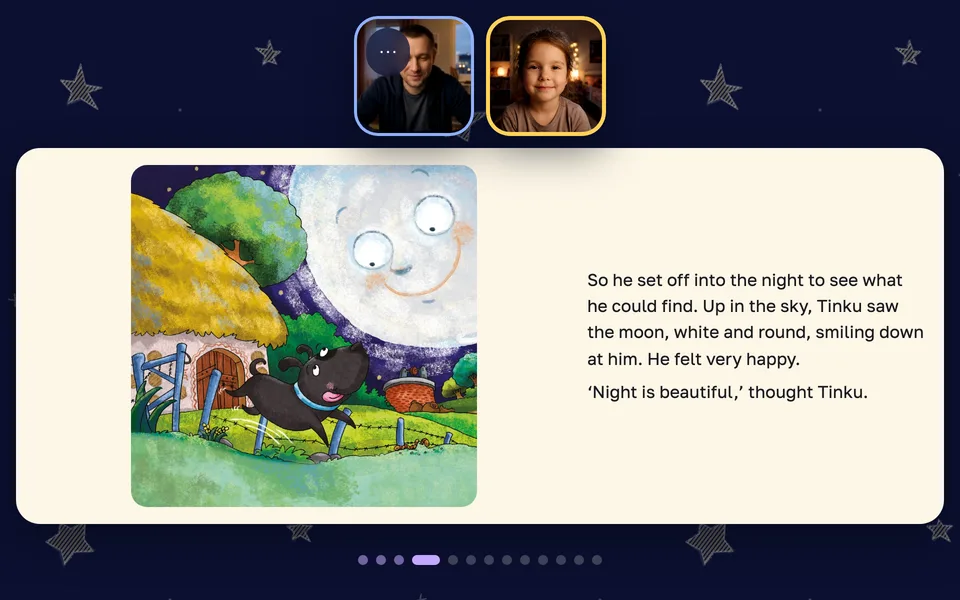
“Goodnight, Tinku!” in the call: the moon and a puppy in the picture, the page text beside it

Read a story

Open a picture book and the pages turn on both screens. You read aloud, your child looks at the pictures. 20 books for ages 3–8. Or share something from your screen.
  • Bedtime books
  • Screen sharing
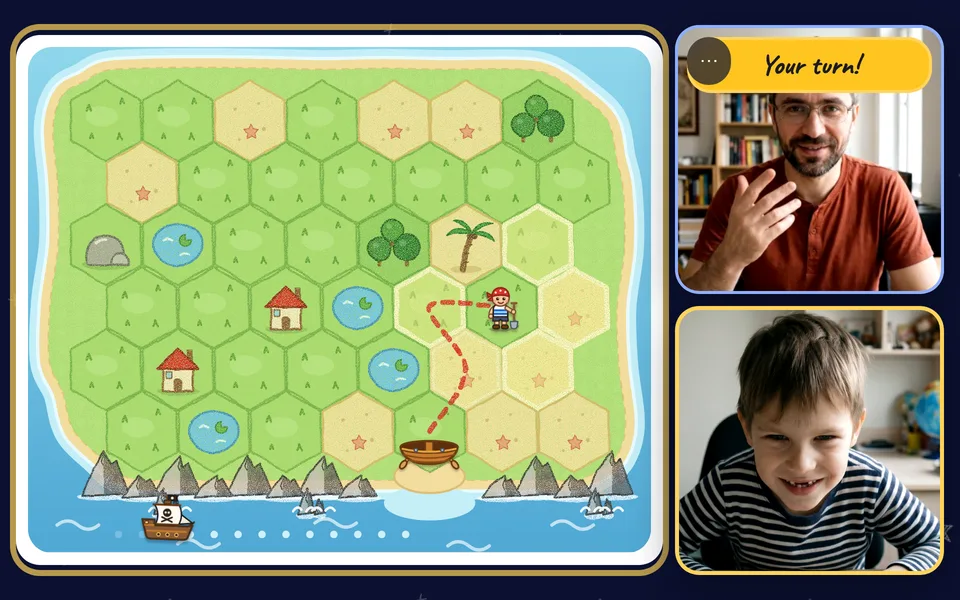
Treasure hunt: an island and a pirate following the trail, next to the dad’s and the son’s video

Take turns

Tic-tac-toe, checkers, chess or snakes and ladders, one move each. Or hide a treasure on the island and let the other find it by “warmer, colder”.
  • Treasure hunt
  • Snakes & Ladders
  • Tic-tac-toe
  • Checkers
  • Chess
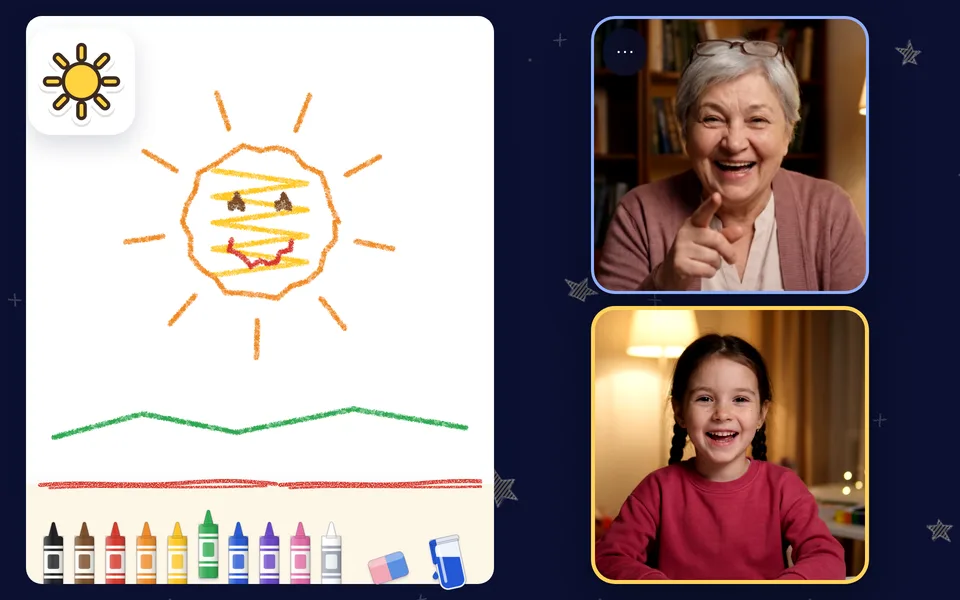
Guess the drawing: the granddaughter drew a smiling sun from a secret card, grandma is guessing

Draw and guess

Draw a secret picture and let the other guess out loud. Or draw on one sheet and colour in pictures together.
  • Guess the drawing
  • Drawing
  • Colouring
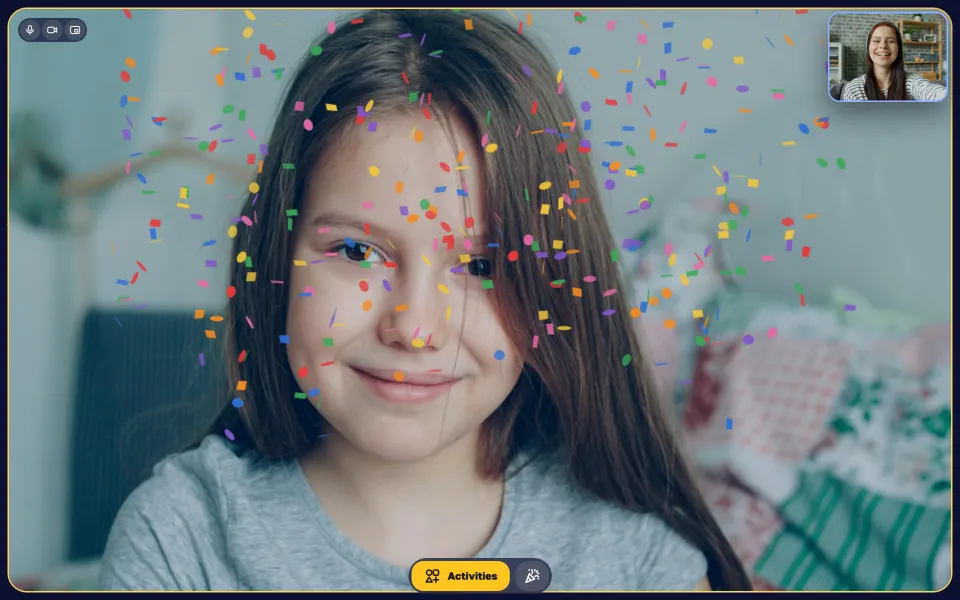
Confetti over the child’s video

Just chat

When you only want to talk: set off confetti, balloons, fireworks or rain over the video — on your child or on yourself.

  • Video effects

Your first call in a few minutes

  1. Enter your email and open the link we send — no password.

  2. laketa creates your room and a permanent link for your child right away.

  3. Send the link to your child's tablet or phone. It opens in the browser — no account, nothing to install.

  4. Start the call and pick a game to play together.

What we store — and what we don't

  • Calls are not recorded — neither video nor sound.
  • We ask nothing about your child: no name, no email, no account.
  • No ads — not for you, not for your child.
  • We store the email you sign in with, call times, which activities you started and your call ratings — to learn what works.
  • From the ad, we keep only a label saying which ad you came from.
  • Questions, or something not working? Write to support@laketa.app.